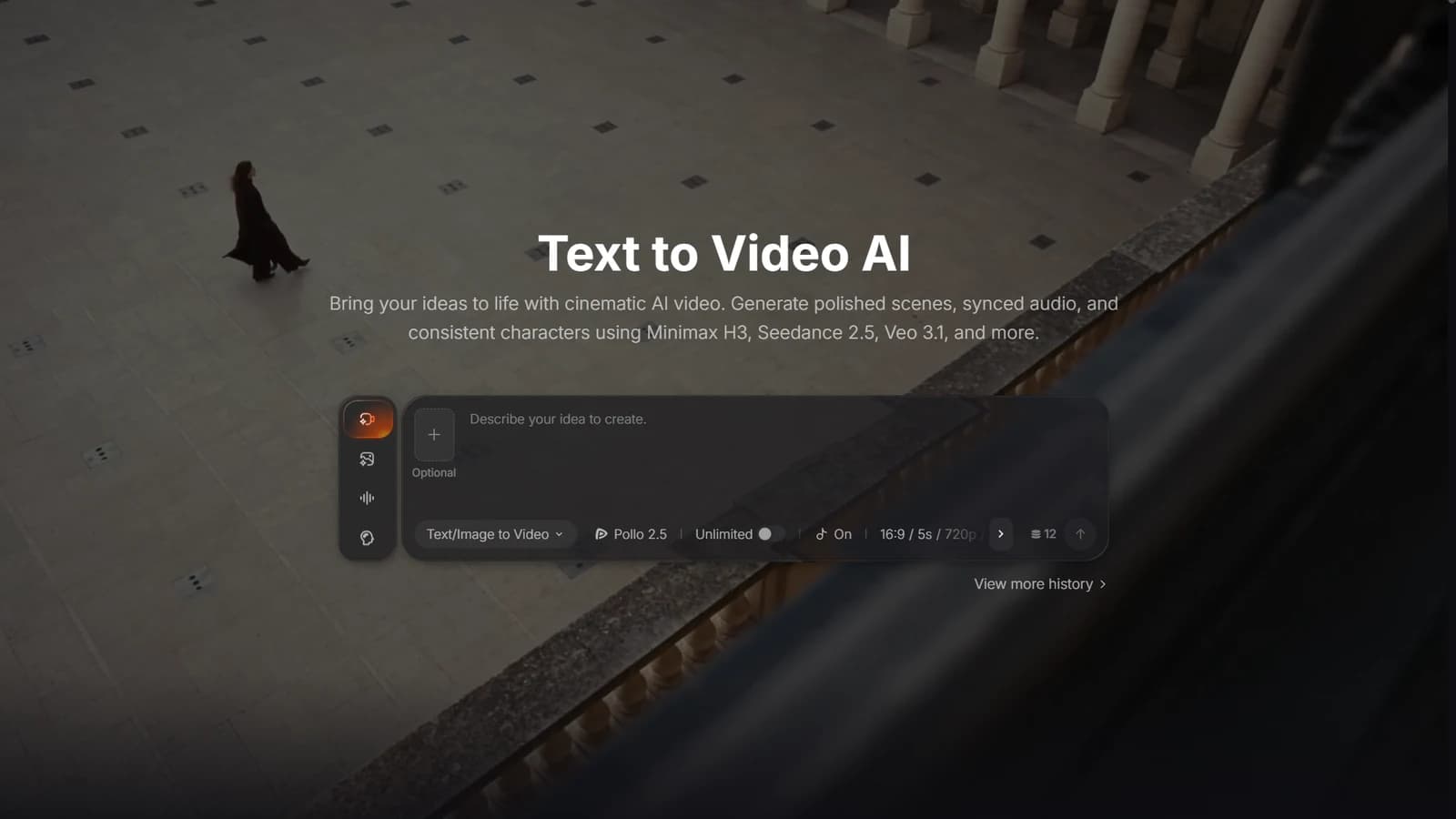
Marketing teams are asked to publish something new every day: a TikTok, a Reel, a product ad, a story. Traditional production can struggle to keep that pace, while reusing the same clip limits the ideas a team can test. A better rhythm comes from a simple system. This guide shows how to plan a content calendar, build reusable prompt templates, and use a free text to video generator to turn each day's message into a short video.
Pollo AI currently advertises limited free credits for new users; check the selected tool's credit costs and commercial-use terms before planning a campaign.
1. Run a small daily creative loop
Run the same small loop daily: pick one message, write a few prompt variants, generate, review, and publish the strongest suitable version. A short loop is easier to keep up.
- Pick one message from your calendar. It might be an offer, a feature, or a customer pain point. One message per day keeps the creative focused.
- Write three prompt variants. Keep the product description identical and change only the hook, such as a problem close-up, a surprising result, or a direct question.
- Try a creator-style version of your best idea. Pollo AI's UGC video tool accepts product images or a product link and lets you describe an AI actor, voice, and style. Treat the result as a synthetic presentation, not evidence of a real customer's experience. Test different hooks and calls to action without inventing testimonials.
- Add the finishing touches in your editor. Check product details against approved assets, then add readable captions, the offer, and a call to action. Choose a format for the placement, such as vertical 9:16 for a mobile feed, and check the platform's current upload requirements.
- Publish and log the result. Record the hook, format, spend, and relevant outcome. Compare variants under similar conditions and allow enough evidence to accumulate before treating one as a winner.
Different formats do different jobs, so rotate them across the week:
Choose the format for the message. A UGC-style presentation can explain a feature conversationally: "Here is how this feature works." A product demo can show a close-up of the product in use.
A problem-and-solution clip can show the frustration followed by the fix. A lifestyle clip can convey mood and brand feel by placing the product in a clearly illustrative setting. In each case, check that the visuals represent what the product actually does.
2. Generate and review a first cut in Pollo AI
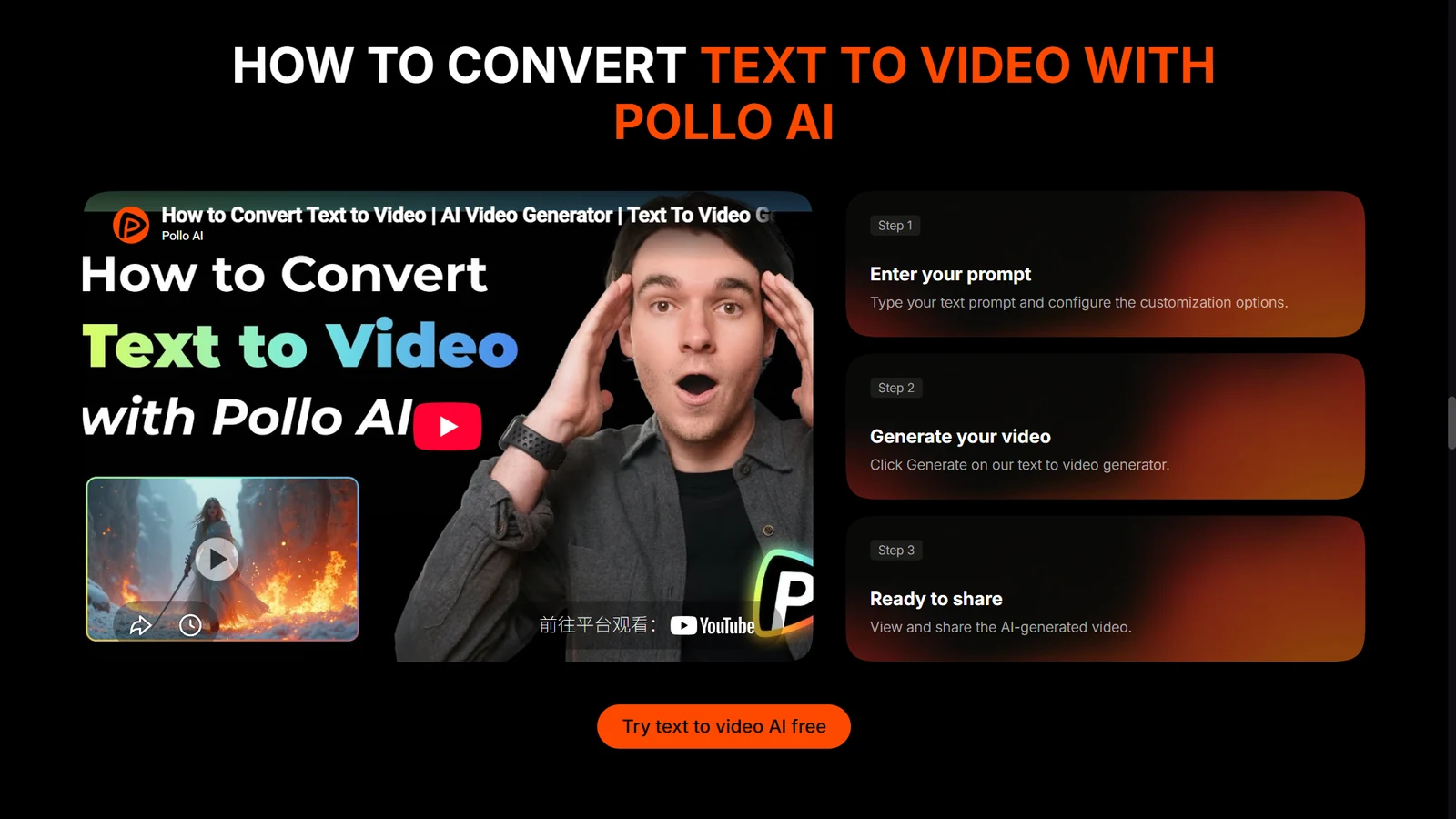
Pollo AI describes its text-to-video workflow in three steps. Build time for retries and review into your schedule; a generated clip is not automatically a finished ad.
- Enter your prompt. Paste your template and set the options.
- Generate your video. Compare the results and keep the best one.
- Review and refine. Check visual accuracy, captions, audio, and the claims made by the ad before sharing it or using it as the base for another variant.
Two more options suit marketing work:
- Marketing Studio by Pollo AI brings together ad and product-visual tools. Its Shopify URL to Video tool uses a product-page link as input for a video. Choose a format suited to what you can substantiate, rather than generating a before-and-after result the product has not demonstrated.
- Pollo Agent accepts requests, scripts, images, links, and references and helps assemble a video. Its official workflow includes confirming the creative direction and reviewing or regenerating results. Treat it as a first-cut workflow with a human approval step.
3. Save a reusable prompt template
Write one template with fixed slots, keep the brand details constant, and swap only the variable parts each day. A template can reduce repeated setup, but it does not guarantee consistent products or logos in the output.
Template: [Subject] + [one action] + [setting] + [camera move] + [lighting and mood] + [format]
For the subject, keep approved product shape, color, and logo references fixed, while changing the person or scenario. For the action, vary the benefit you demonstrate. Keep the brand palette consistent as you change the location or time of day.
Use a consistent camera style, choosing a close-up or wide shot to suit the message. Keep the aspect ratio appropriate for the placement while trying creator-style, demo, or lifestyle treatments.
Example: "A woman in a sunlit kitchen lifts a ceramic mug of cold brew, slow push-in, warm morning light, relaxed mood, vertical 9:16."
Save every prompt that performs well. After a few weeks, that file becomes your team's own prompt library.
4. Batch the next week and refine what fails
Batch the planning and generation early in the week, then use the rest for publishing and refreshing. This is an example structure, not a benchmark.
| Day | Task | Output |
|---|---|---|
| Monday | Plan five messages and write prompts | A week of prompt variants |
| Tuesday | Generate clips for all five messages | A shortlist per message |
| Wednesday | Build creator-style ads for the top two | Ads ready to test |
| Thursday | Publish and refresh with new hooks | Variants of the early winners |
| Friday | Review results and update templates | Next week's starting point |
Batching can make daily publishing easier to schedule, provided each clip passes review. Pollo AI's UGC tool also advertises translated scripts and multilingual voiceovers. Have a fluent reviewer check meaning, pronunciation, and the offer before using a localized version.
Start with tomorrow's message and three prompt variants. If the generated product changes shape, the caption misstates the offer, or the voice suggests a customer experience that never happened, revise the clip before it enters the calendar. A repeatable workflow needs that final review as much as it needs fast generation.